Model workflow
Digital dental model design: what should your brief include?
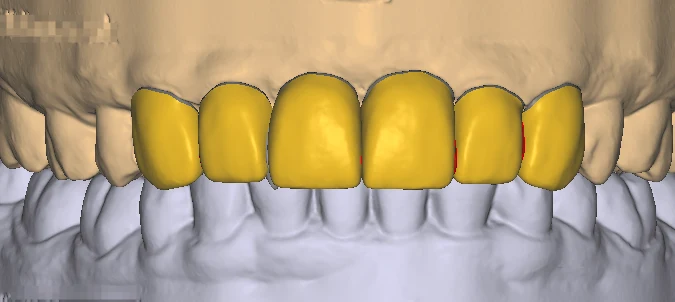
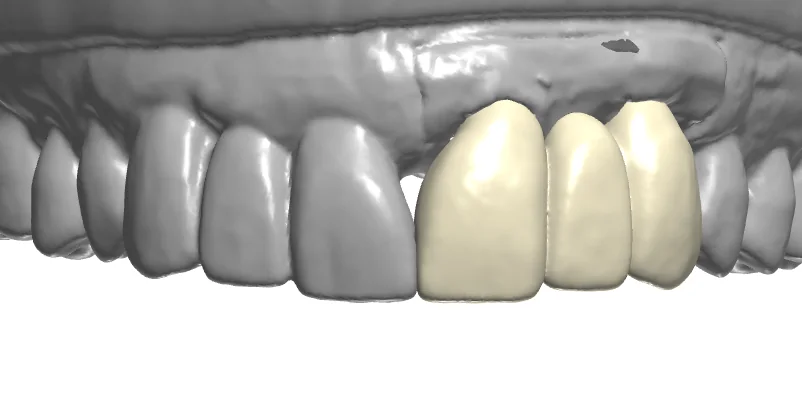
“Please make a model” can mean a study model, a working model with removable dies or a component-specific model. Describe what the lab will do with it before choosing the output.
The short answer
Specify the model’s purpose, the scans, the required dies or analog workflow and the intended printing setup. Confirm the available model system and production requirements with the lab. Model design files and printing settings are separate parts of the workflow; review both before approving a model for production.
Which model does the lab actually need?
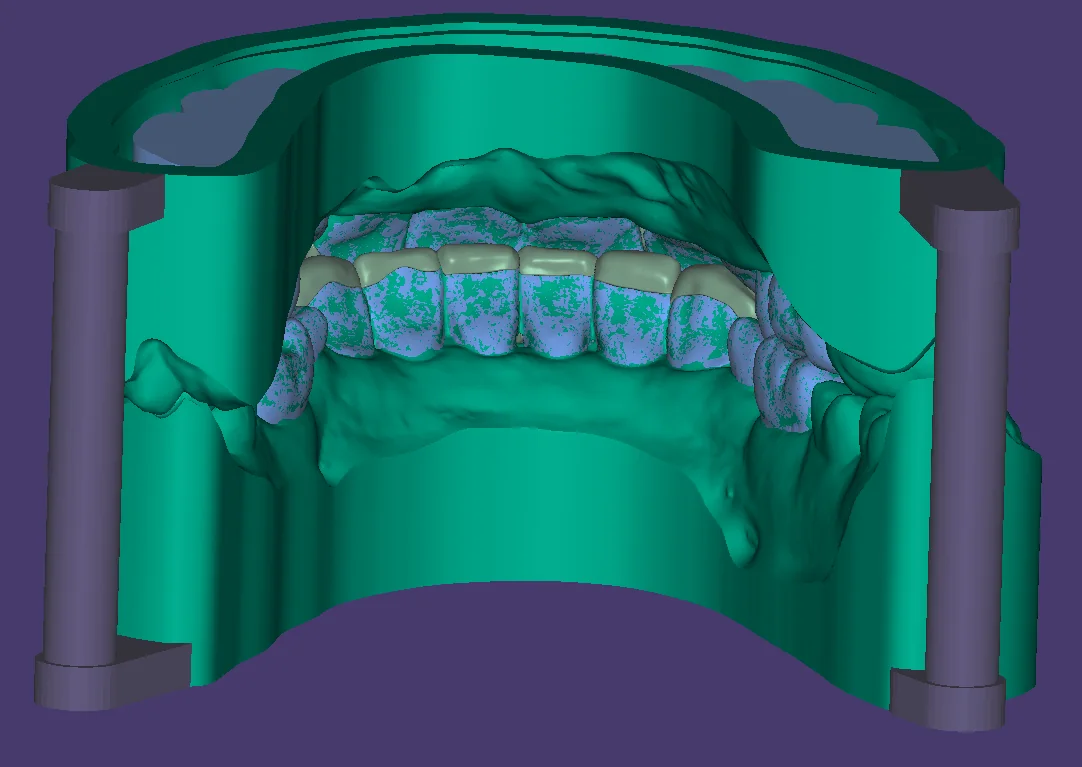
The model purpose determines the brief. exocad’s Model Creator documentation describes different model systems and removable-die options, with available configurations depending on the setup. Choose the requirements with the team that will use the model.
- State whether the model is for study, a working restoration or a component-related task.
- Identify full-arch or quadrant needs, upper/lower scans and bite relationship.
- List requested removable dies, model system and articulation requirements.
What printing and component information matters?
The production team should provide the relevant printer, material and validated workflow requirements. A generic model mesh does not establish every manufacturing setting or component fit for a particular system.
- Identify the intended printer/material workflow and the agreed model output format.
- For analog-based models, provide the exact system and associated library requirements.
- Agree which team handles supports, orientation, printing and post-processing.
What belongs in the model delivery check?
Check the delivered model against its intended use before forwarding it for printing. Maintain a clear separation between reviewing the model design and approving the physical manufacturing result.
- Open the files and confirm case code, arches and requested components.
- Verify die and part naming, alignment and the requested model features.
- Keep the approved revision paired with the manufacturing instructions.
Frequently asked questions
Does digital model design include 3D printing?
Mocoore provides CAD design support. Discuss model deliverables with us and arrange printing through your lab or manufacturing partner.
Can every model use the same removable-die settings?
Model systems and production workflows differ. Use the requirements established for your lab’s model system, printer and material rather than assuming one universal setting.
What files do I need to request a model design?
Start with the relevant scans, model purpose, required arches and any die or component information. Add the agreed production workflow and output format.