Buying & costs
Dental CAD design cost: what should your lab compare?
A price per crown is a useful starting point. A useful buying decision also considers what arrives, how much checking your team performs and what happens when the brief changes.
Mocoore Dental CAD
Practical buying guides, file checklists and design-review questions for dental laboratories. Start with the question your team needs to solve.
Buying & costs
A price per crown is a useful starting point. A useful buying decision also considers what arrives, how much checking your team performs and what happens when the brief changes.
Lab capacity
Your lab does not need to send every case through the same route. Separate everyday workload, demand spikes and cases needing detailed collaboration before choosing where design happens.
Software handoff
A successful exocad handoff needs more than an attachment named final.stl. Agree the receiving workflow, then package the case so the designer understands the work and the lab can use the result.
Software handoff
Before exporting a 3Shape case, decide what the receiving team needs: scan geometry, an order with its prescription, or a project intended for continued editing.
Design review
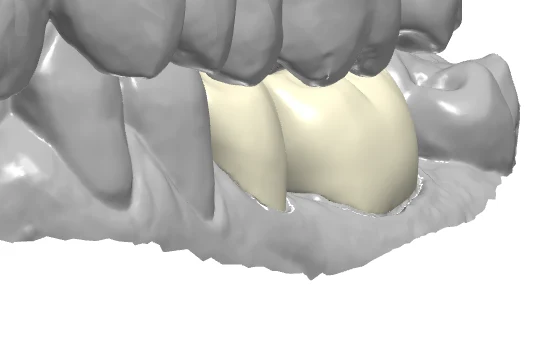
“Please improve the crown” leaves too much room for interpretation. A useful review connects each requested change to the original brief, a clear view and the lab’s acceptance criteria.
Implant workflow
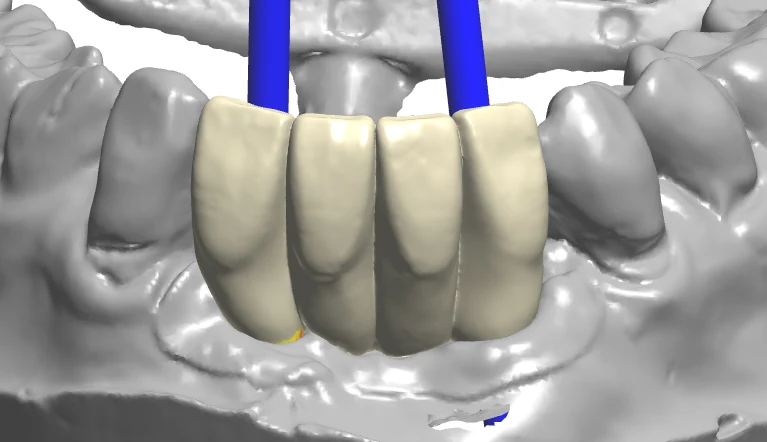
A scanbody image and a broad implant brand name may leave important questions unanswered. Identify the intended component workflow before the case moves between designer, lab and manufacturing partner.
Model workflow
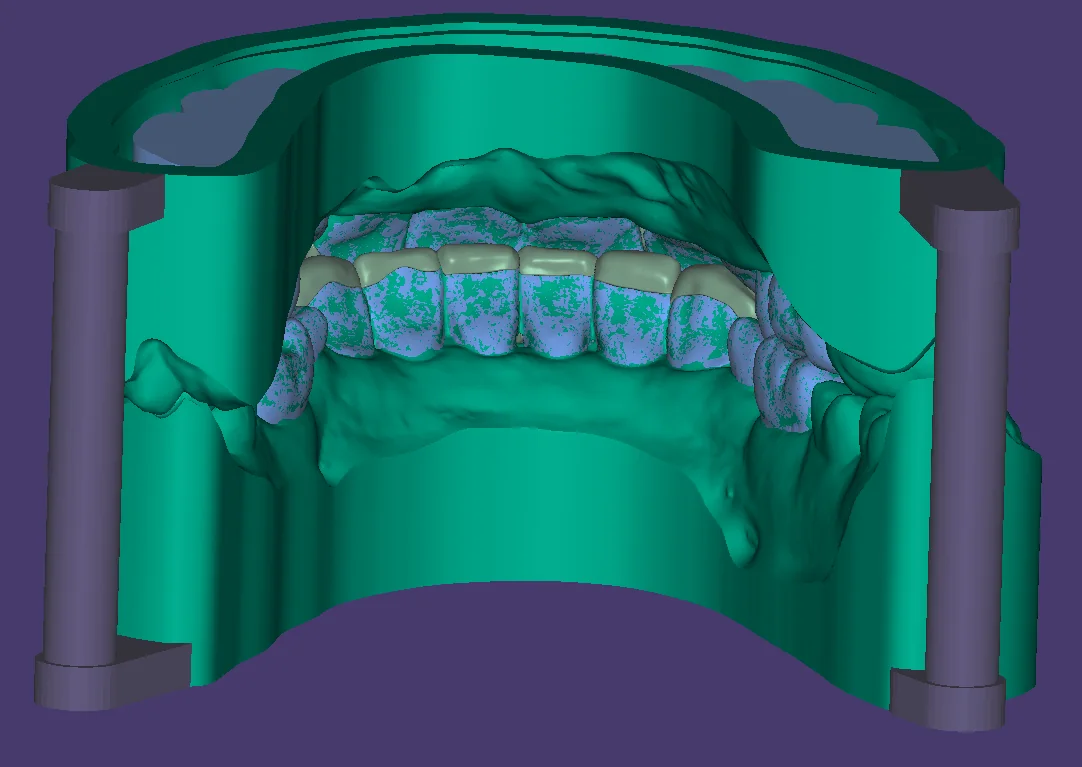
“Please make a model” can mean a study model, a working model with removable dies or a component-specific model. Describe what the lab will do with it before choosing the output.
Full-arch workflow
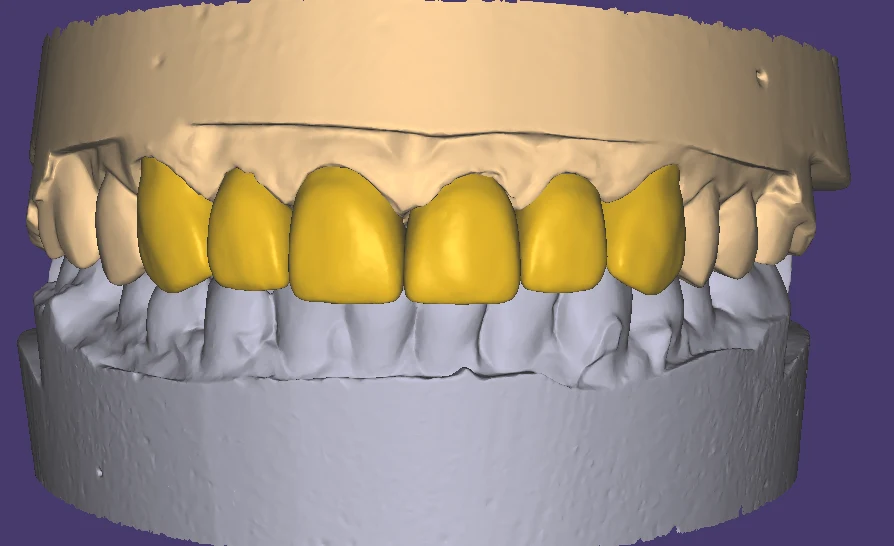
A full-arch restoration has more moving parts than a routine single-unit case. Organize the handoff around the current stage, the approved references and the decision your lab needs from the design team.
Tell us what your lab needs. We will review the scope, file compatibility and delivery requirements with you.